
Nake
Settings
Language
English
  • English
  • 日本語
  • 한국어
  • Español
  • العربية
  • Français
  • Deutsch
  • Русский
  • Nederlands
  • Italiano
ThemeAtelier
Privacy policyTerms of serviceRefund policy
Premium-50%50% off
Lite

Premium membership from $19 per month

Premium benefitsMore benefits
Fast generationHD outputAll image toolsAll video tools
Nake
  • Home
  • For You
  • AI Video
  • AI Image
  • Anime / Manga
  • Video Edit
  • Video Extend
  • AI Tools
  • Generate
  • Agent
  • Explore
  • Home
  • For You
  • AI Tools

Create & chat

  • AI Video
  • AI Image
  • Anime / Manga
  • AgentBeta
  • Explore
  • Generate
  • Video Edit
  • Video Extend+5s
Upgrade for more
    • Home
    • For You
    • Create
    • Pricing
    • More

    Nake AI

    All-in-one AI text-to-video assistant

    Turn stories, scripts, and camera ideas into moving visuals. Nake AI lets you explore styles and pacing from text, then keep refining in the same workbench.

    Nake AI
    Veo 3
    Kling AI
    PixVerse
    Vidu AI

    Futuristic city scene

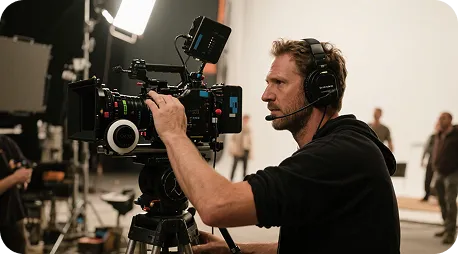
    Close-up and material details

    Character story moment

    Nake AI turns any text into video

    Enter any text to explore animation, story moments, and cinematic scenes. Start with one concrete action, then add camera, lighting, and atmosphere.

    Example video · Nano Banana
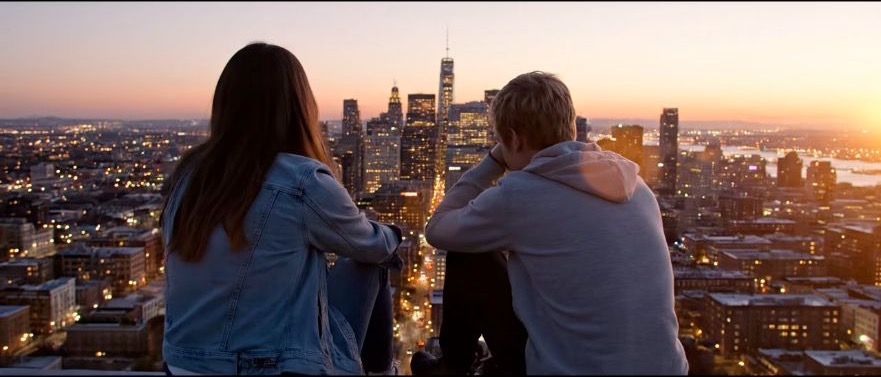
    ✦A cinematic city scene unfolds as the camera follows two friends at sunset...Warm evening light moves across the skyline in a gentle cinematic shot...↗

    Start with one sentence

    Generate first, then refine your idea with visuals

    You do not need a complete storyboard at the start. Nake AI turns your prompt into a visual draft you can use to refine the subject, action, camera, and pacing.

    Shape creative visuals from text

    Break the path from text to visuals into clear, repeatable steps.

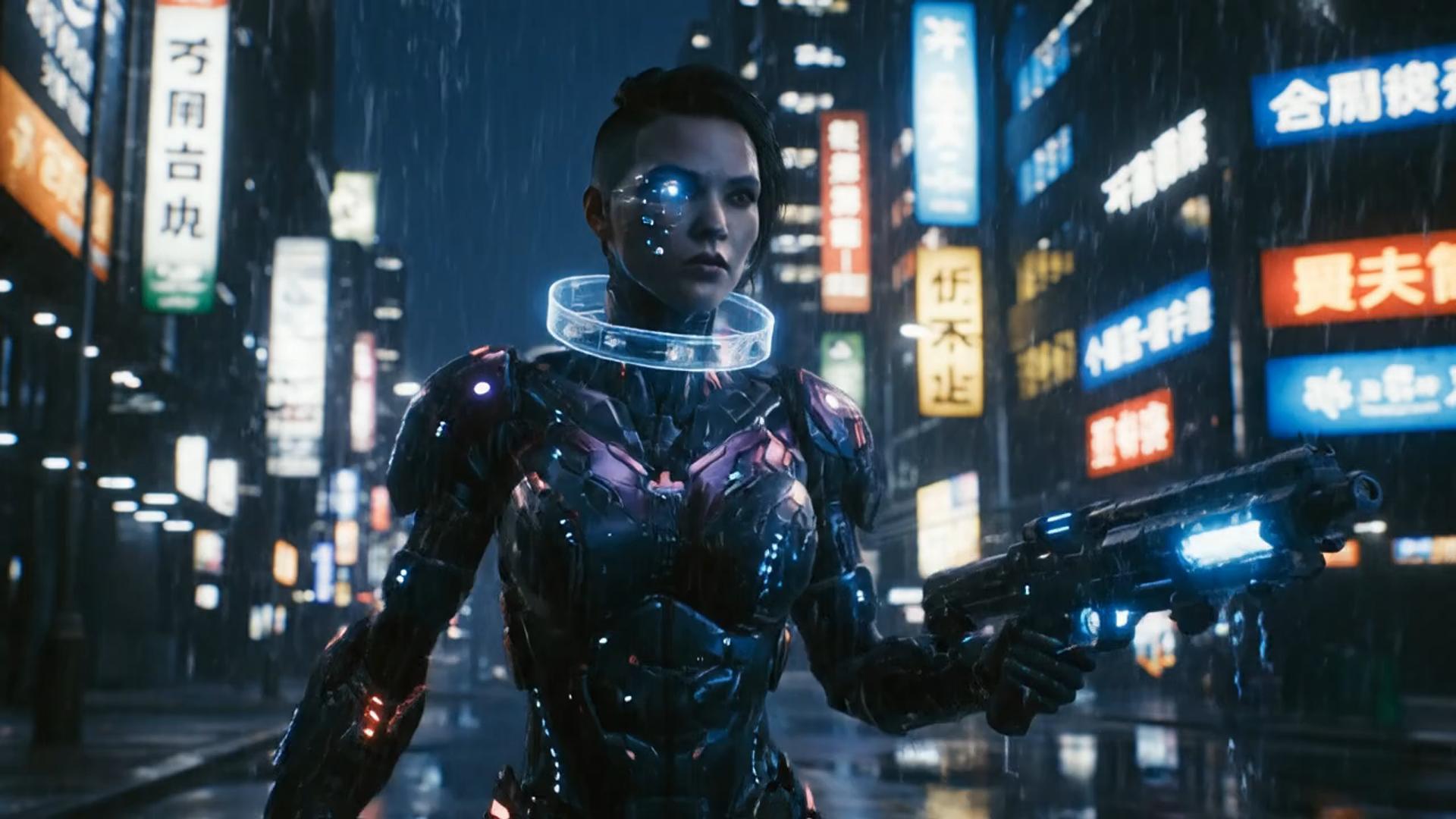
    ✦A cinematic character walks through a neon city in the rain...The camera follows the character as the lights begin to glow...↗
    01

    Turn text into video in seconds and see ideas come to life

    Enter a story or a few keywords and Nake AI helps you quickly build moving visuals for short films, animation, and cinematic scenes.

    ✦A baby bird hides under its mother’s wing as rain falls softly...Warm light moves across the feathers in a gentle close-up shot...↗
    02

    Fast, smooth, high-quality video generation

    Preview and iterate in one workflow instead of losing time switching between tools.

    ✦The viewer looks up, the character turns toward the camera...A hand-held camera gently pushes in as the scene changes...↗
    03

    Choose from a range of AI video styles

    Use prompts to control characters, scenes, lighting, and camera language, then refine the direction with the selected model's settings.

    ✦Create a polished video from your idea, right in the browser...Review the result, refine the prompt, and generate another version...↗
    04

    Create more efficiently online

    No extra software is needed. Open the Nake AI workbench to enter prompts, explore inspiration, and manage generation history.

    For every video creation scenario

    From social clips to product demos, validate the visual direction with text before deciding how to produce it.

    Creators and influencers

    Creators and influencers

    Turn scripts, storyboards, or trending ideas into short videos ready for social testing.

    Brands and founders

    Brands and founders

    Explore product demonstrations and ad concepts with lower upfront production costs.

    Visual creators and directors

    Visual creators and directors

    Turn concepts, shots, and scenes into visual drafts before refining the final plan.

    Marketers and agencies

    Marketers and agencies

    Generate multiple visual directions quickly to compare rhythm, style, and composition for branded content.

    Educators and instructors

    Educators and instructors

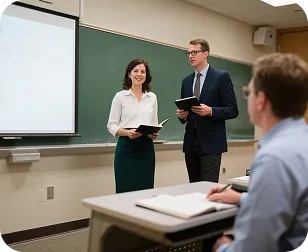
    Turn lesson concepts and written content into motion visuals that are easier to demonstrate.

    Creator notes

    A real creative workflow, from inspiration to the first draft

    Write down the idea first, then use the generated result to discover more precise camera language. These cards show common workflows and are not claims about specific users or results.

    He Yuxuan

    E-commerce advertising operator

    “I break a script into camera prompts, generate several versions quickly, and choose the one with the right product rhythm.”

    Gu Zhiyuan

    Short-form video creator

    “It is quick to move from a written idea to a first visual draft, and the inspiration cards help me find new camera directions.”

    Li Peishan

    YouTube creator

    “I can refine the camera language of the same story prompt repeatedly, which makes different visual directions easier to compare.”

    Xu Ruizhe

    Student creator

    “From polished commercial looks to playful short-film styles, I can test a direction quickly with one prompt.”

    He Zhiyu

    Founder

    “I generate a promotional draft first, then adjust the visuals around the product's priorities. It is faster than starting with an empty timeline.”

    Wu Zhiqing

    Instructor

    “Turning an abstract lesson concept into a scene prompt makes visual ideas much easier to demonstrate in class.”

    Frequently asked questions

    Common questions about the text-to-video workflow.

    What is text-to-video generation?+−

    Text-to-video turns your scene, character, action, and camera direction into a previewable clip. More detail gives you a steadier visual direction, and you can start from an inspiration card before refining it in the workbench.

    How long does it take to generate a video?+−

    Generation time varies with the model, resolution, video length, and current queue. After submitting, check the task status in History, then preview or download the result when it is ready.

    Why does the generated video differ from my description?+−

    The model interprets the subject, action, camera, and style together. Try structuring a prompt as subject + action + environment + camera + lighting, and avoid conflicting requirements in one sentence.

    Can I revise a result I do not like?+−

    Yes. Keep the original prompt, adjust the action or camera first, and generate again. If the style is the issue, replace only the style description so you can compare versions.

    Can I try Nake AI text-to-video for free?+−

    The workbench is available for a direct trial. Available models, credits, and output settings depend on your account and the current workbench; the credit cost is shown before generation.

    Can generated videos be used in commercial projects?+−

    Check the selected model's terms, rights to your input materials, and your account plan before using a result commercially. Nake AI does not make commercial-licensing promises for third-party models.

    VideoAny text-to-video tutorial

    Start creating in three steps

    Text-to-video tutorial

    Nake AI text-to-video vs. traditional tools

    Keep the core creative steps in one workflow and reduce the gaps between inspiration and preview.

    Nake AI text-to-video vs. traditional tools
    Feature comparisonNake AI text-to-videoOther AI tools
    Ease of useAI automatically generates a complete video in one clickScenes and editing must be set manually
    Visual varietyMany characters, scenes, and stylesFewer styles and limited scenes
    AI understandingUnderstands tone and context for precise generationRelies on keyword matching with limited results
    Templates and effectsA library of templates, transitions, and effectsFewer resources and no post-generation reuse
    Trending content updatesNew popular scenes and effects added regularlyInfrequent, limited updates
    CustomizationAdjust scenes, assets, pacing, and voiceover after generationLittle room for customization
    Rendering speedFast cloud rendering, ready in minutesSlower and dependent on hardware
    Video qualityHigh-quality output within the selected model's specificationsQuality and watermarks depend on the tool plan
    Use casesAds, education, social clips, and moreUsually limited to one use case
    Team collaborationOnline multi-user editing and version managementSingle-user access or no team features
    PricingFree trial with flexible upgradesHigher subscription costs with less flexibility

    More video creation tools

    Choose the Nake AI workflow that fits your source material.

    Image to video
    Image to video→
    Nake AI

    Turn text into vivid moving visuals

    Start with one shot and use Nake AI to explore your next video idea.

    Buy now

    Explore More AI Image Tools

    • NSFW Photo Editor
    • NSFW Image to Video Generator
    • Dots video effects
    • GPT Image 2 Generator
    • GPT Image 2.5 Version Guide
    • Image 2.5 Generator
    • image2.5 Name Guide
    • Seedance 3.0 status tracker
    • AI sexy video
    • First-person POV video generator
    • Video to video
    • AI sexy

    Model & settings

    Aspect Ratio

    Duration

    5s
    2s30s

    Resolution

    Video mode

    Prompt

    Enter text, describe the scene, movement... (e.g. An adult woman in silk lingerie walking toward the camera in a dim hotel hallway.)
    0/20000
    Credit cost

    Generate 1 videos · 15 credits total

    This run is 5s and billed for 5s. This model max is 30s. Duration written in the prompt does not change the length.

    No inspiration in this category yet