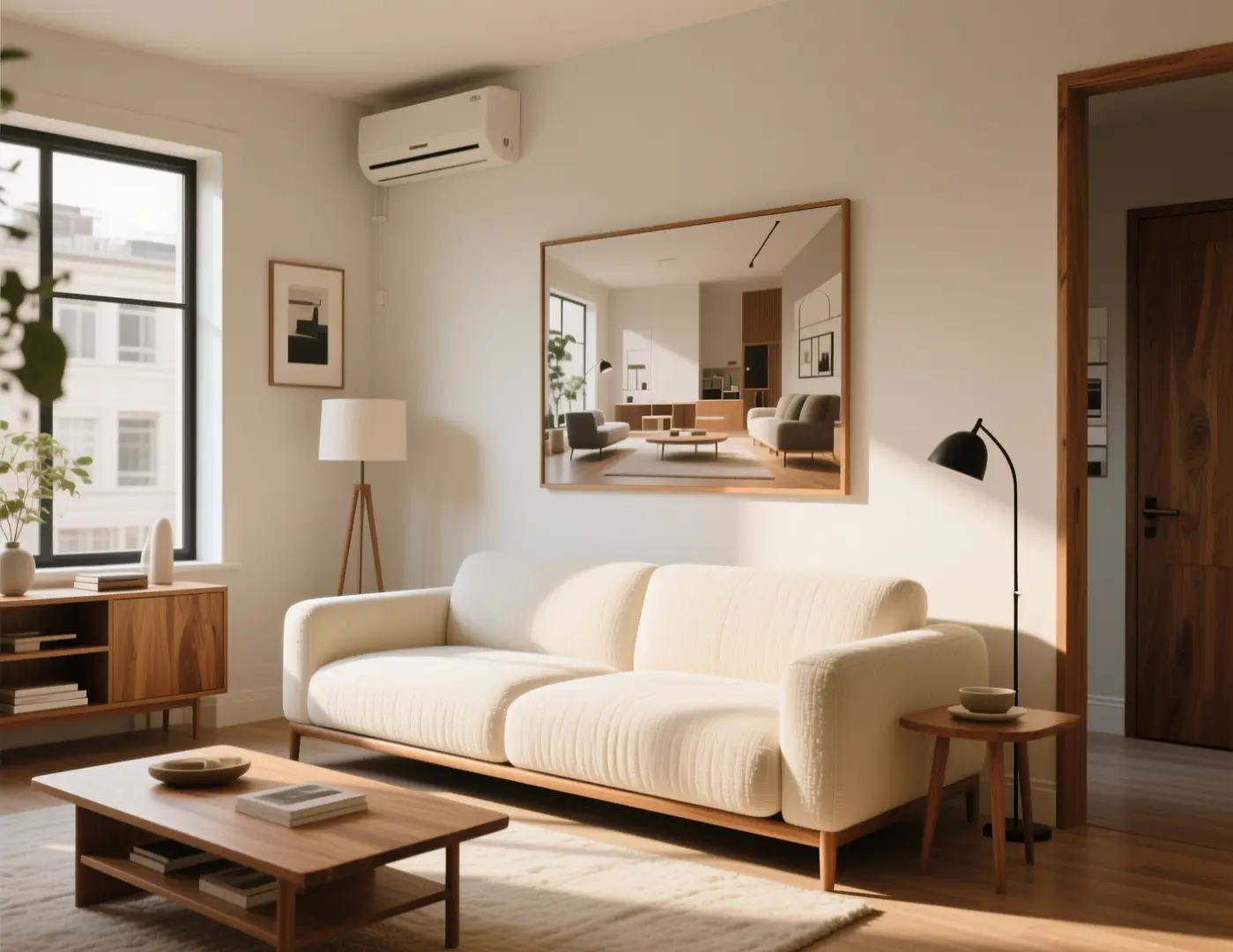
Studio living room concept
 Nake
VideoAny AI
Everygen AI put prompt-to-video in a browser tab. This is the next step: one prompt box wired to Seedance 2.0, Google Veo 3.1, Kling v3.0, MiniMax H3 and Wan 3.0 for video, and GPT Image 2.0, Seedream 5 Pro and Wan 2.7 Image Pro for stills. Clips run 2 to 30 seconds with native audio, up to 1080p, and every credit you buy stays yours until you use it.
Everygen AI proved that people want cinema from a single sentence. The harder question is which engine does the shot justice, and the strongest ones should not live in five different tabs. This page puts them in one prompt box: five video engines, three flagship image engines, one credit balance.
01
Seedance 2.0 takes up to 9 reference images and 3 reference videos. Google Veo 3.1 renders an 8-second 1080p shot with native audio. Kling v3.0 runs 4–15 seconds with sound. MiniMax H3 drafts fast at 4 credits a second. Wan 3.0 stretches a single take to 30 seconds.
02
Wan 2.7 Image Pro and Seedream 5 Pro render stills up to 4K. GPT Image 2.0 is built for commercial-grade image work. Use them for key art, posters, thumbnails and the first frame of a video.
03
One account, one credit balance, one prompt box. Move from text-to-video to image-to-video, first-and-last-frame control, reference-to-video or video-to-video without leaving the page or re-uploading your assets.
Cinematic motion, native sound and 4K stills are only believable with the numbers behind them. These are the live limits of every engine in the prompt box.
01
Clips run from 2 to 30 seconds. Seedance 2.0 covers 4–15 seconds at 480p, 720p, 1080p. Google Veo 3.1 outputs 720p and 1080p. Wan 3.0 reaches 1080p.
Start creating
02
Feed Seedance 2.0 up to 9 images and 3 videos to lock characters, products and motion. Wan 3.0 accepts up to 10 reference images. First-and-last-frame mode pins the opening and closing shot.
Start creating
03
16:9, 9:16, 1:1, 4:3, 3:4, 21:9 plus an adaptive mode on Seedance 2.0, so one prompt can ship to Shorts, Reels, feeds and widescreen. Native audio on Seedance 2.0, Google Veo 3.1, Kling v3.0, MiniMax H3 and Wan 3.0.
Start creatingA prompt box becomes a production line the moment it ships real work. These are the jobs where it pays for itself.
Studio-grade output should not need a studio budget. Every price below is the live credit cost of that exact clip, and the workbench shows it again before you generate.
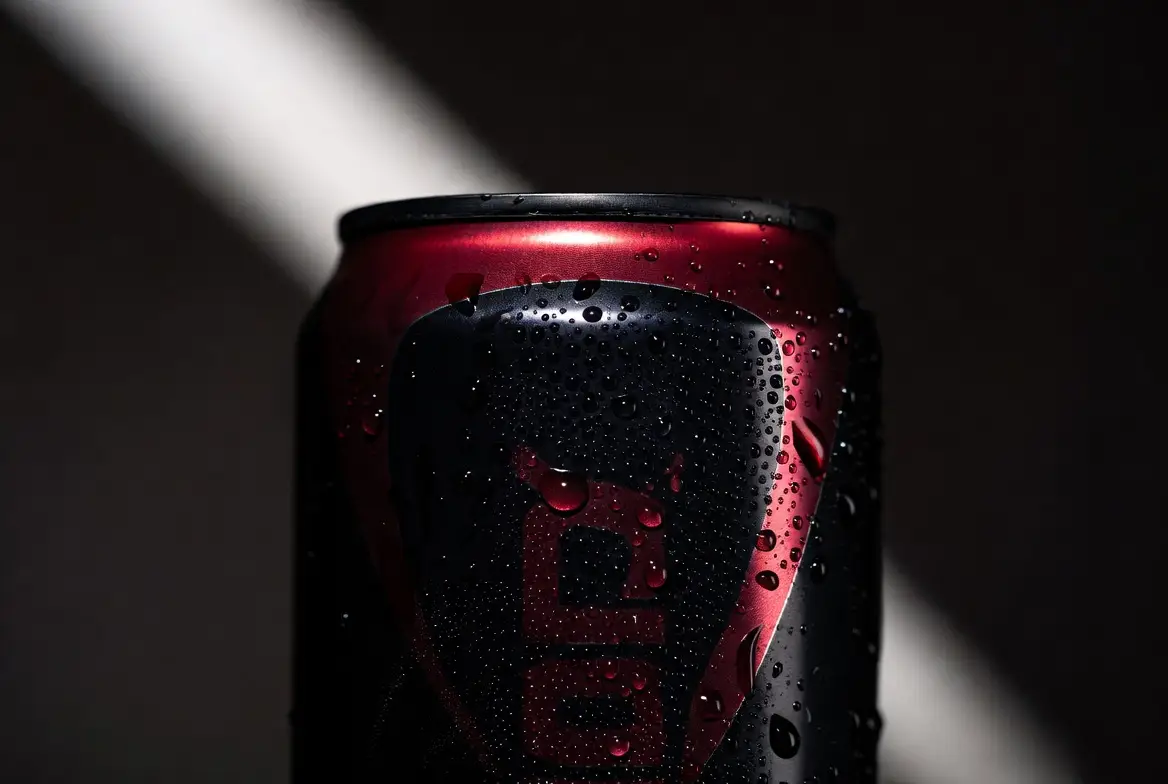
A 6-second Grok Imagine clip is 6 credits. A 5-second MiniMax H3 clip is 20. A 5-second Seedance 2.0 Fast clip at 720p is 60. Iterate until the idea works.
Hero-shot reference
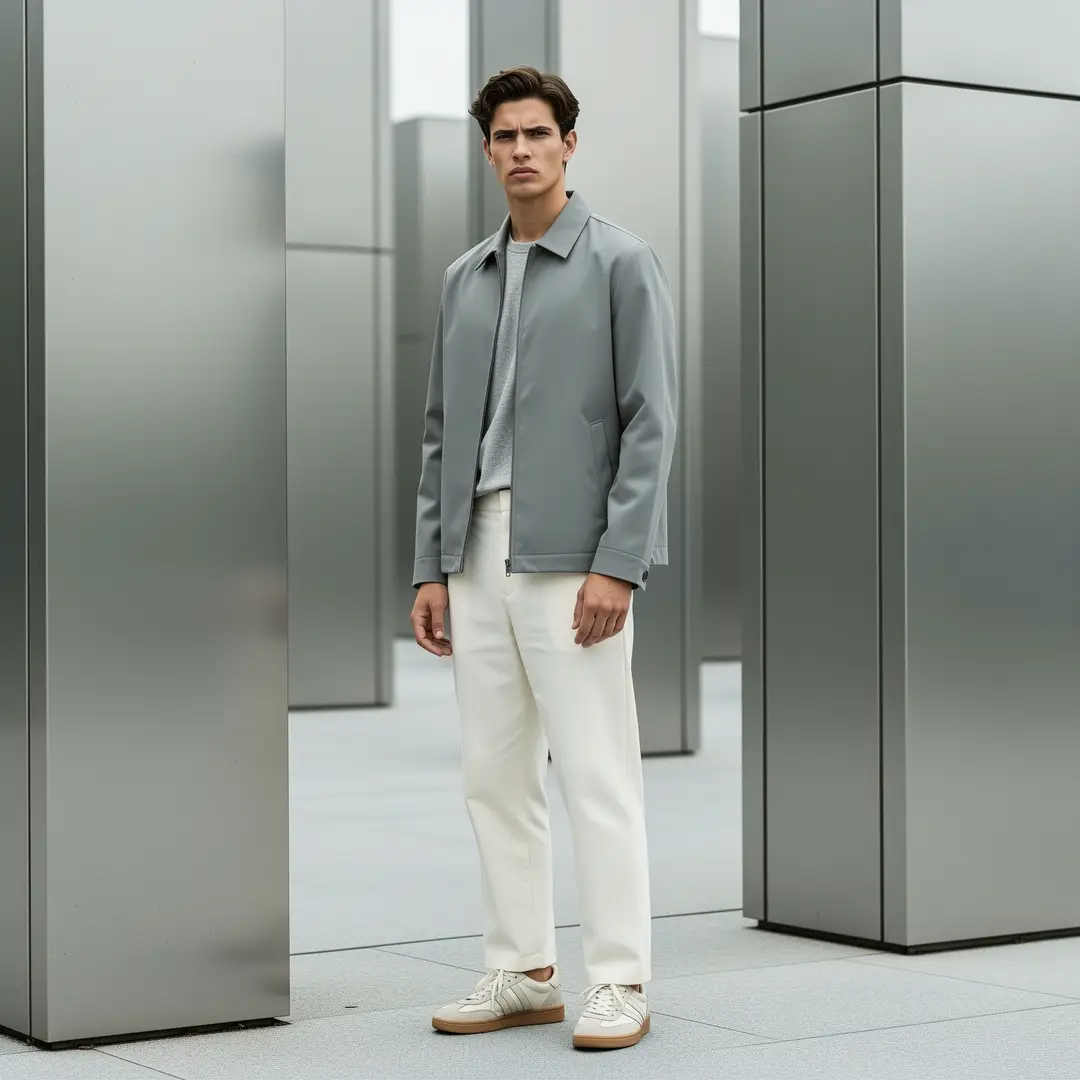
Seedance 2.0 at 720p is 70 credits for 5 seconds; at 1080p it is 175, and a full 15-second 1080p shot is 525. An 8-second Google Veo 3.1 1080p clip with audio is 40 credits. A 30-second Wan 3.0 1080p take is 360.
Lookbook frame
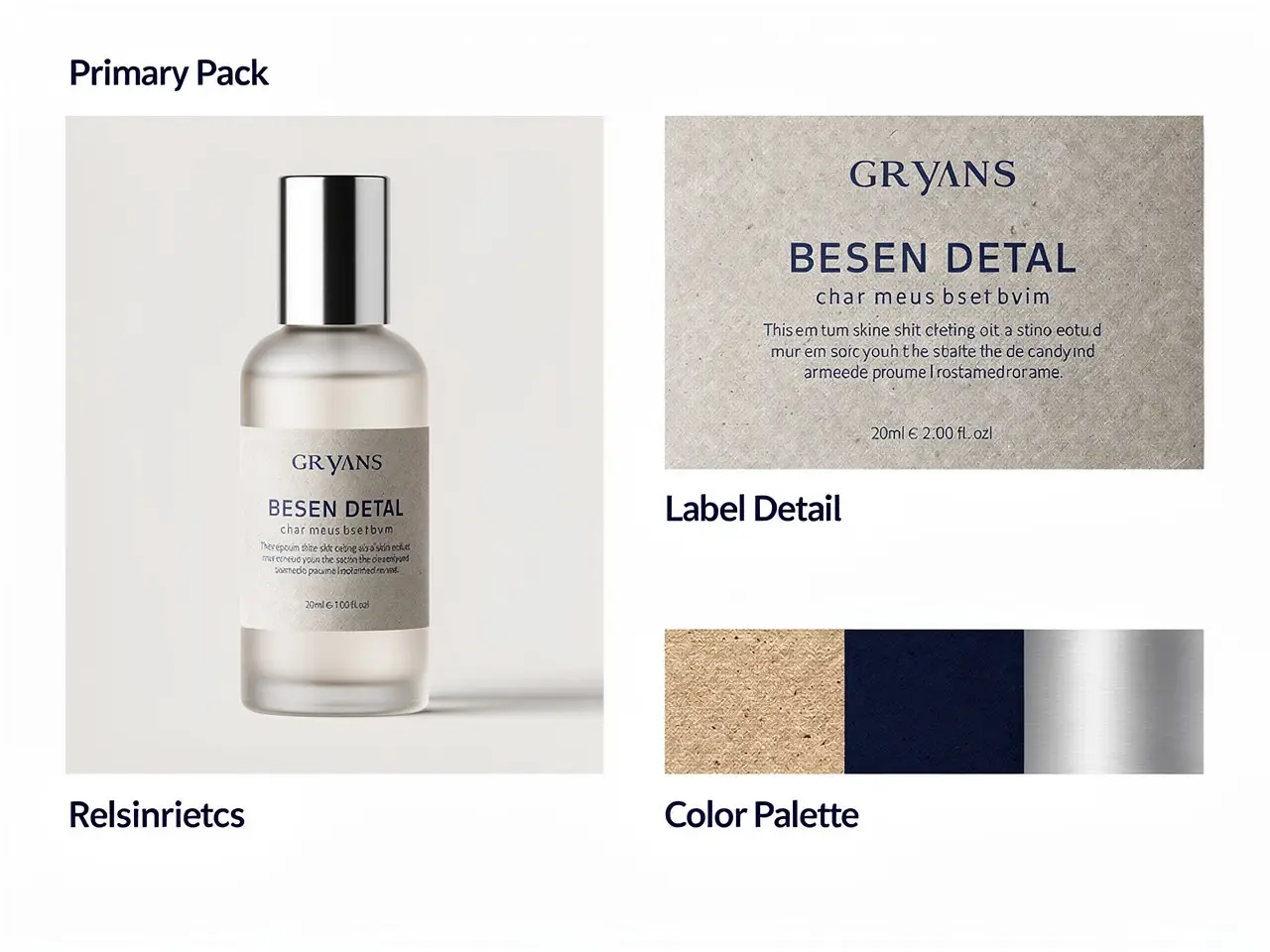
Pay-as-you-go credits never expire, exports carry no watermark and commercial use is allowed. Packs start at $12.99 for 350 credits: about 17 five-second MiniMax H3 clips or 8 Google Veo 3.1 1080p clips. Prefer a plan? Subscriptions start at $19 a month.
Commercial-ready asset
The prompt is the cheapest lever in the whole pipeline, and the one that decides whether an engine looks ordinary or extraordinary. Three habits that lift every engine behind your Everygen AI workflow.
01
Subject, action, camera, light, sound. "A courier weaves through night traffic, low tracking shot, wet neon reflections, engine hum" beats "cool city video" every time.
02
Seedance 2.0 for reference-heavy shots, Google Veo 3.1 for polished 8-second clips with sound, Wan 3.0 for long takes, MiniMax H3 for fast drafts.
03
A 5-second Seedance 2.0 shot costs 70 credits at 720p and 175 at 1080p. Find the shot at 720p, then rerender only the winner.
Straight answers on cost, rights and limits.
Free credits, pricing and clip length for anyone coming from Everygen AI.
New accounts receive free credits to test supported models before choosing a plan or a credit pack. No credit card is required to claim them.
Up to 30 seconds in a single Wan 3.0 take, 15 seconds on Seedance 2.0, 8 seconds on Google Veo 3.1.
Watermarks, commercial use and resolution.
Paid credit packs export without a watermark and include commercial use.
Video up to 1080p; images up to 4K.
Engines, aspect ratios and starting points.
Seedance 2.0, Google Veo 3.1, Kling v3.0, MiniMax H3 and Wan 3.0 for video; GPT Image 2.0, Seedream 5 Pro and Wan 2.7 Image Pro for images.
Yes. Image-to-video animates a photo you upload, and reference modes keep characters and products consistent.
Three moves from your Everygen AI idea to a first draft.
Text-to-video for a written scene, image-to-video for a photo, first-and-last-frame for a controlled move.
Choose the model, duration, resolution and aspect ratio. The credit cost updates live before you press generate.
Run a low-cost draft, keep the winner, rerender it at full resolution.
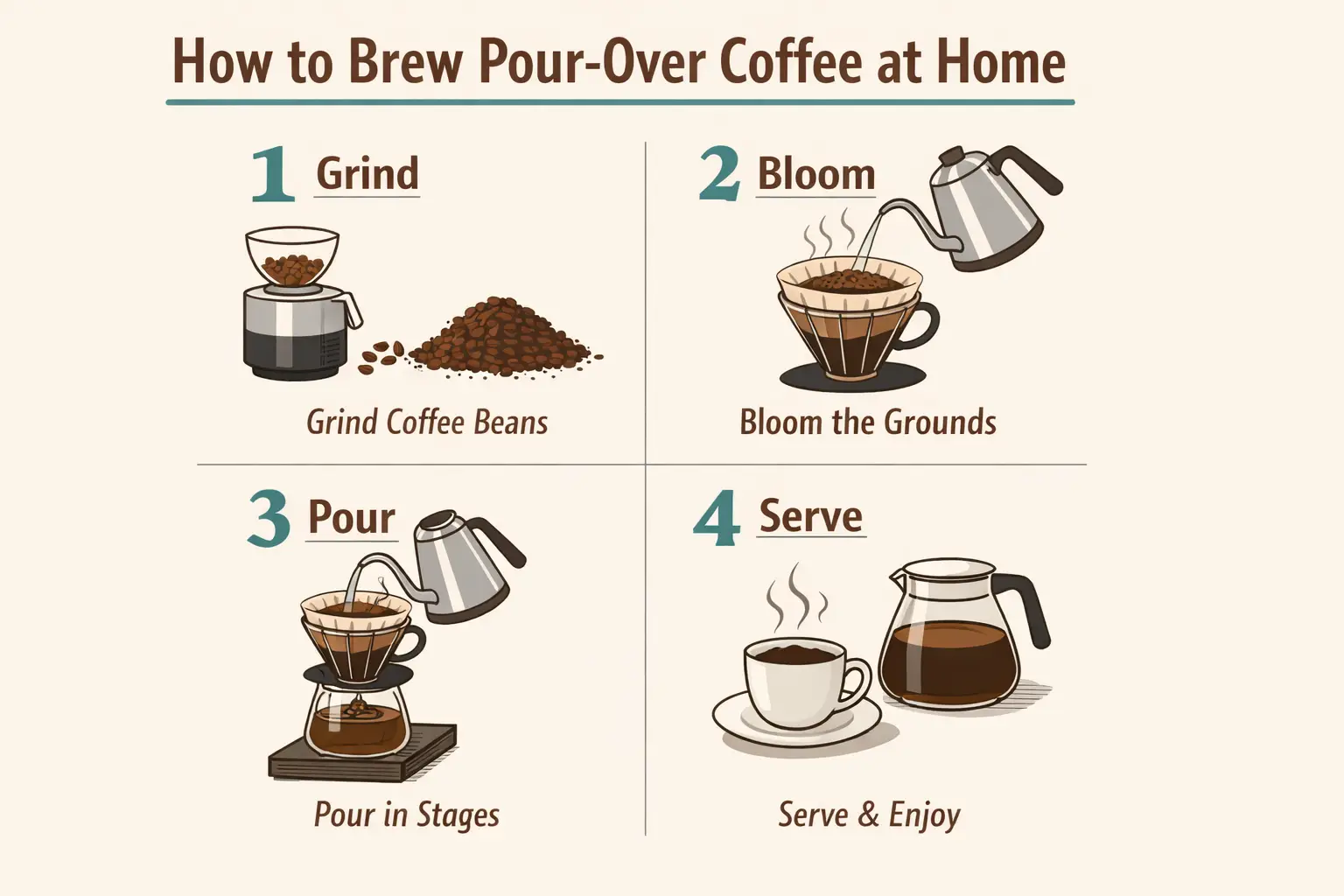
One clip is a proof of concept. A set of clips is a campaign, and a campaign is a brand.
Take the winning shot further with video extension, or tighten it in the video editor.
Use Wan 2.7 Image Pro for the key frame, then animate it with image-to-video.
Reuse the prompt, swap the engine, and ship the same Everygen AI idea in 9:16, 1:1 and 16:9.
VideoAny AI
Start creating
One clip is a proof of concept. A set of clips is a campaign, and a campaign is a brand.